1. Log into your family dashboard at https://app.readingeggs.com/parent/dashboard
2. Select a child by clicking on their name, and then click on the green 'Start' button.

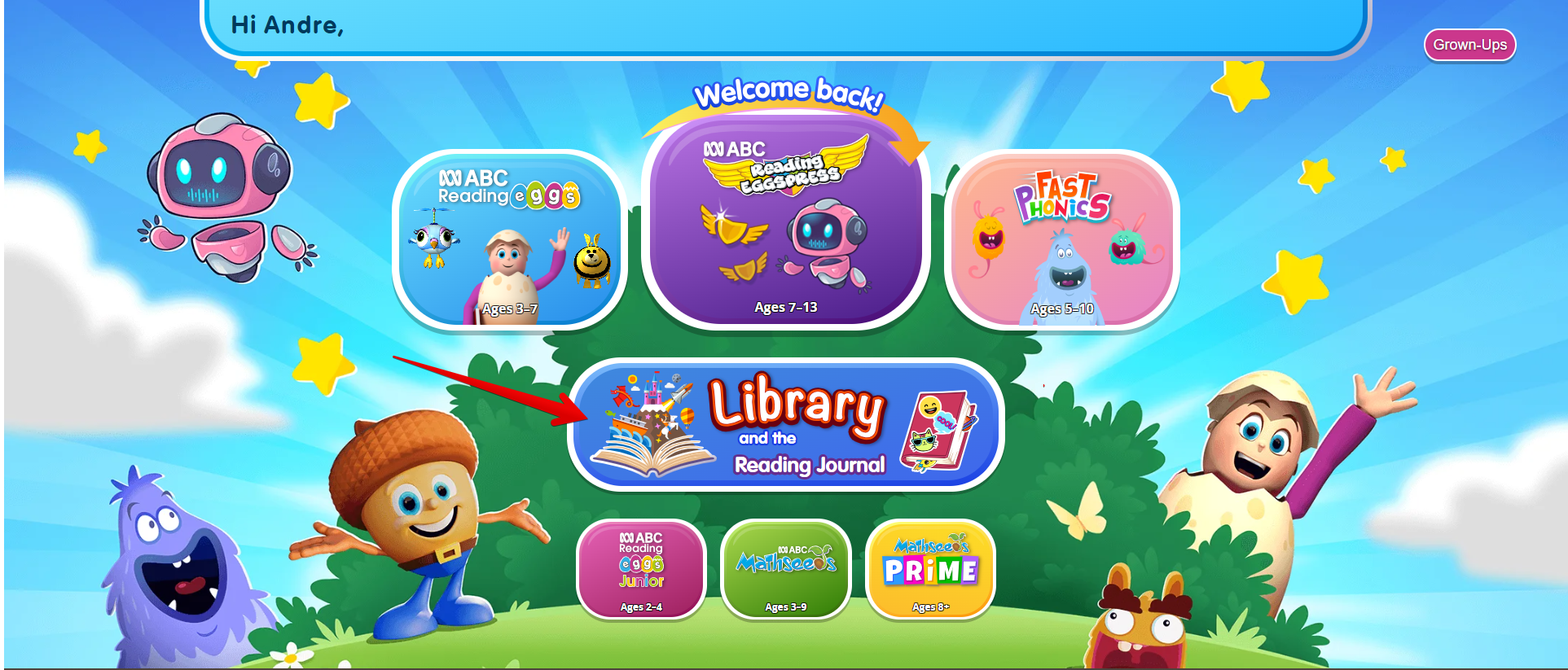
3. Simply click on the Library tab to get access to thousands of children's e-books!
NOTE: We are currently testing our new Family Dashboard. If the version you are viewing differs from the content outlined above and you require support, please contact Customer Service team https://readingeggs.com.au/contact-us/
Was this article helpful?
That’s Great!
Thank you for your feedback
Sorry! We couldn't be helpful
Thank you for your feedback
Feedback sent
We appreciate your effort and will try to fix the article